Devices
IPTV on Smart TV UK 2027: Setup Guide for Samsung & LG
You can watch IPTV directly on your Samsung or LG Smart TV in the UK without extra hardware. Install an IPTV player app, enter your Best4IPTV login, and enjoy 20,000+ channels in 4K — setup takes a few minutes.
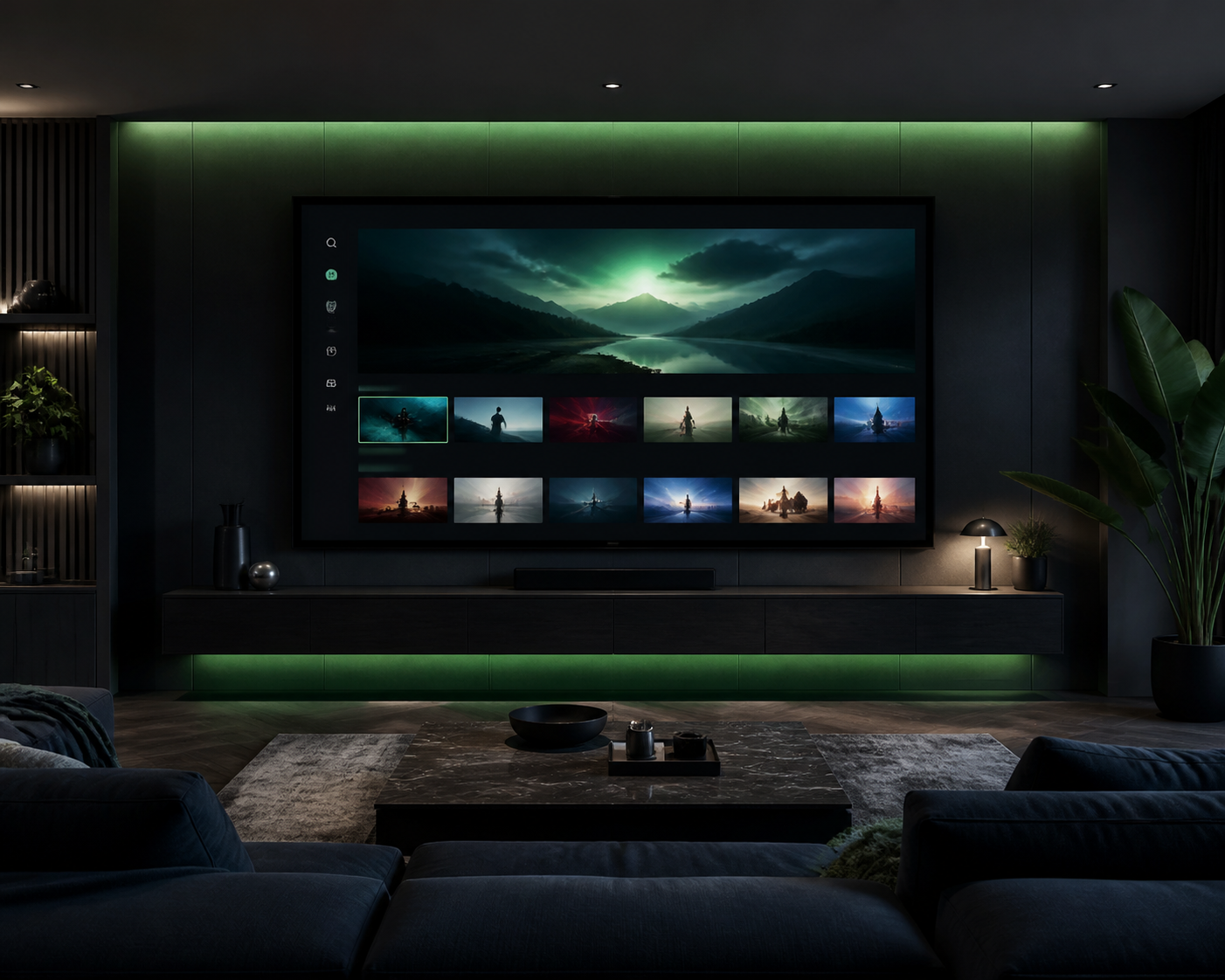
Set up IPTV on a Samsung Smart TV
Samsung Smart TVs use the Tizen platform. The easiest path is to install an IPTV app such as Smart IPTV, SS IPTV or IPTV Smarters from the Samsung app store, or sideload the APK for IPTV Smarters. Once installed, open the app, add your M3U playlist or Xtream Codes from Best4IPTV, and your channels appear instantly.
Set up IPTV on an LG Smart TV
LG Smart TVs use webOS. Simply install an IPTV player app from the LG Content Store (such as SS IPTV or Smart IPTV), enter your login details, and start watching. For wider app choice, many people connect a cheap Firestick or Android box to their LG TV instead.
Best IPTV apps for Smart TVs
- 📺 Smart IPTV — popular and reliable
- 📺 SS IPTV — easy to use
- 📺 IPTV Smarters Pro — works on most platforms
Tips for smooth Smart TV streaming
- Connect your TV to the internet by Ethernet for the most stable 4K.
- Keep the IPTV app updated.
- Use a 4K-compatible TV and HDMI for the best quality.
If your TV doesn't support a particular app, a Firestick or Android box is the simplest, most flexible upgrade — and Best4IPTV works on all of them.
Get your Smart TV streaming free for 24 hours.
Get Smart TV HelpFAQ: Smart TV IPTV
Can I watch IPTV directly on my Smart TV?
Yes — Samsung and LG TVs can run IPTV player apps, no extra box required for basic setup.
Which app should I use on Samsung TV?
Smart IPTV or SS IPTV are simple choices. IPTV Smarters Pro also works on many models.
Why is my stream buffering on Smart TV?
Ethernet instead of Wi-Fi usually fixes it. Also make sure your plan includes enough bandwidth for 4K.