Devices
IPTV Multi-Room UK 2027: Watch Live TV in Every Room
With Best4IPTV multi-room you can watch different channels on 2 or 3 devices at the same time across your home — the living room, bedroom and kitchen — for a small add-on to any plan. No extra boxes or contracts needed.
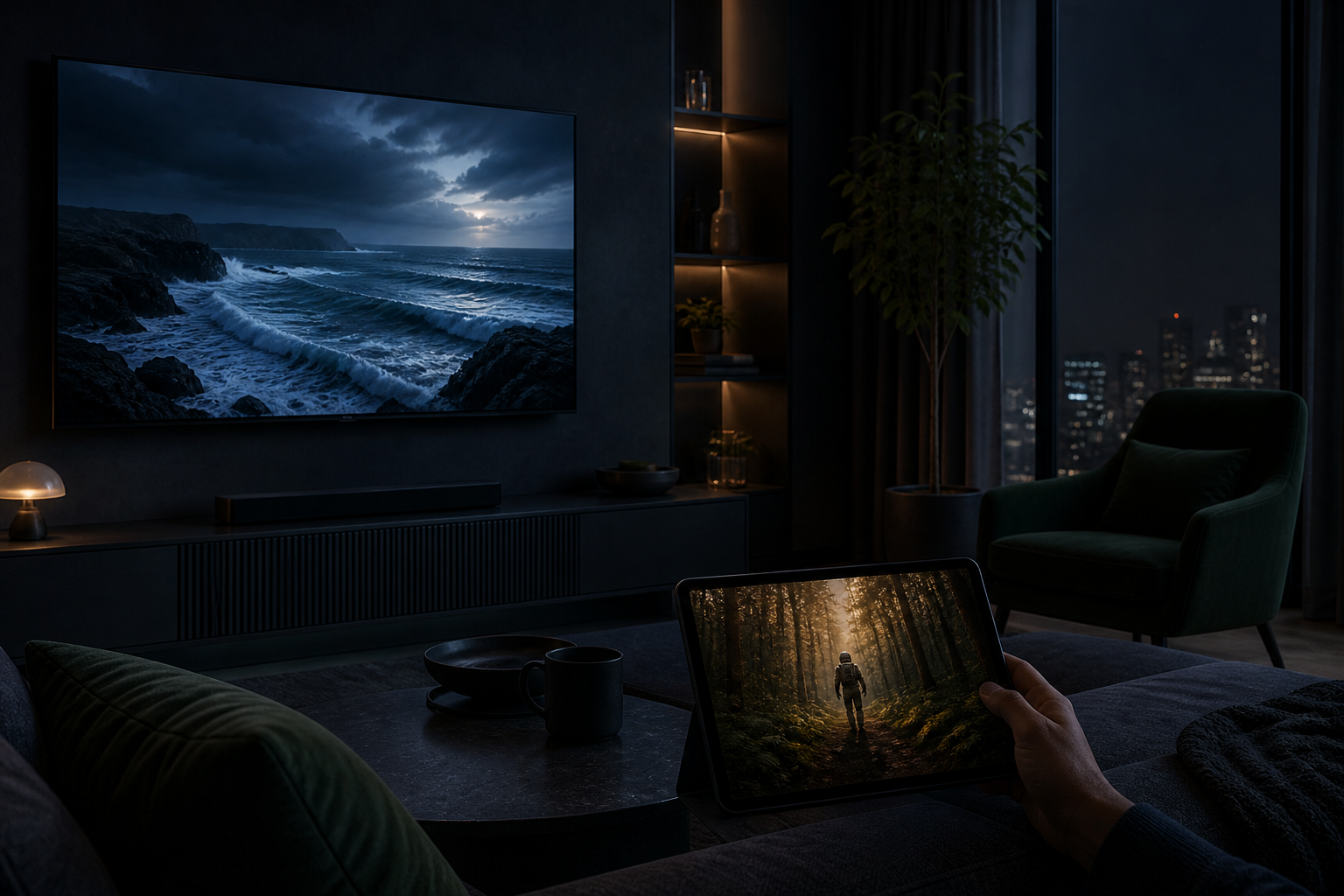
What is multi-room IPTV?
A standard IPTV subscription lets you watch on one screen at a time. Multi-room adds simultaneous connections, so one person can watch football in the living room while someone else watches films on a tablet in the bedroom — at the same time, without affecting each other's stream.
Multi-room plans at Best4IPTV
| Add-on | Screens | Price |
|---|---|---|
| Single | 1 device at a time | Included |
| 2 Devices | 2 screens at once | +£10 / year |
| 3 Devices | 3 screens at once | +£20 / year |
Multi-room works across all your devices — Firestick, Smart TV, Android, iOS and PC — all sharing the same subscription.
Why multi-room is great for families
- No need to buy a second subscription for the bedroom.
- Everyone watches what they want at the same time.
- One bill, one support, one login across the house.
- Perfect for matchdays and family movie nights.
How to add multi-room
Just message us on WhatsApp and tell us you want to add 2 or 3 devices to your plan. We adjust your connection settings and you're set — usually within minutes, no new hardware required.
Get the whole family streaming — add multi-room today.
Ask About Multi-RoomFAQ: multi-room IPTV
Can we watch different channels at the same time?
Yes — with multi-room, each screen can play a different channel simultaneously without interruption.
Do I need extra hardware?
No, just add another IPTV player app on your existing devices. Firestick, Smart TV and tablets all work.
Can I add multi-room later?
Yes, you can upgrade any plan to 2 or 3 devices at any time by messaging us on WhatsApp.